
Estimated reading time: 16 minutes
BMS Not Working? How to Diagnose Building Management System Problems
A practical guide for facility managers and property managers dealing with BMS faults, communication failures, HVAC control problems and ageing building automation systems.
When a Building Management System stops working properly, the cause is not always the BMS itself.
A failed sensor, tripped circuit breaker, faulty actuator, communication problem, mechanical equipment failure or programming issue can all present themselves at the BMS as what appears to be a control-system fault. In other cases, the BMS may appear to be operating normally while equipment is running incorrectly behind the scenes. This is why diagnosing a BMS problem requires more than simply looking at the graphics on a computer screen.
At WR8Tech, we investigate Building Management Systems as part of the wider building. We look at the controls, electrical systems, mechanical equipment, communications networks, sensors, field devices and operating sequences to determine what is actually happening.
BMS Not Working – What Does That Actually Mean?
When someone says that a BMS is not working, it can mean many different things. The entire Building Management System may have stopped operating, but more commonly only part of the system has failed. Typical complaints include:
- the BMS computer will not connect;
- parts of the building have disappeared from the graphics;
- controllers or devices are offline;
- air conditioning equipment will not start;
- temperature readings appear incorrect;
- alarms are not being generated;
- plant operates outside normal schedules;
- commands from the BMS are not reaching the equipment;
- equipment appears to be running when the BMS says it is stopped;
- tenants are complaining about temperature conditions;
- energy consumption has unexpectedly increased;
- the system regularly needs to be manually overridden; or
- the BMS appears to be working, but nobody is confident that it is controlling the building properly.
Each of these problems requires a slightly different investigation.
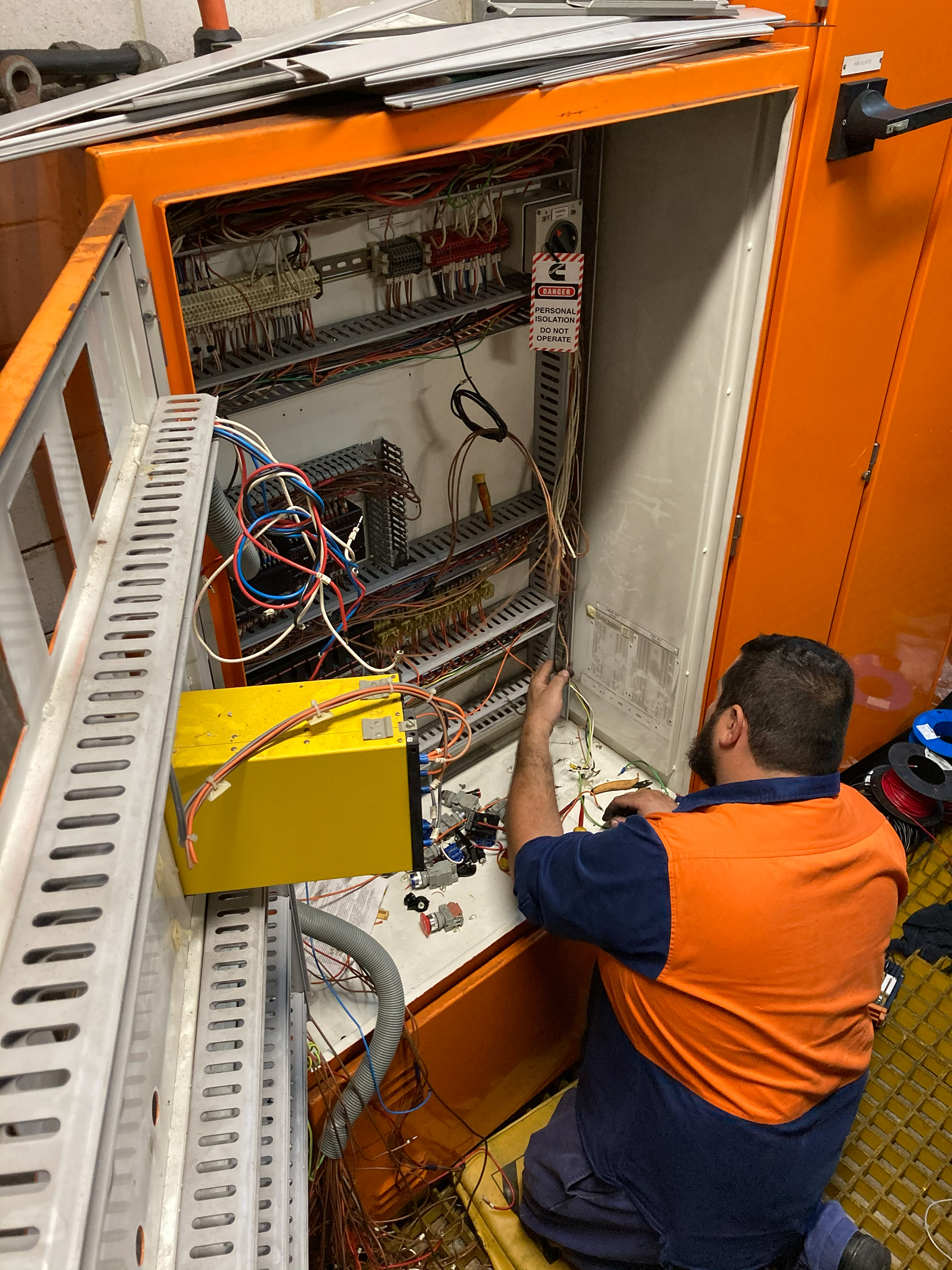
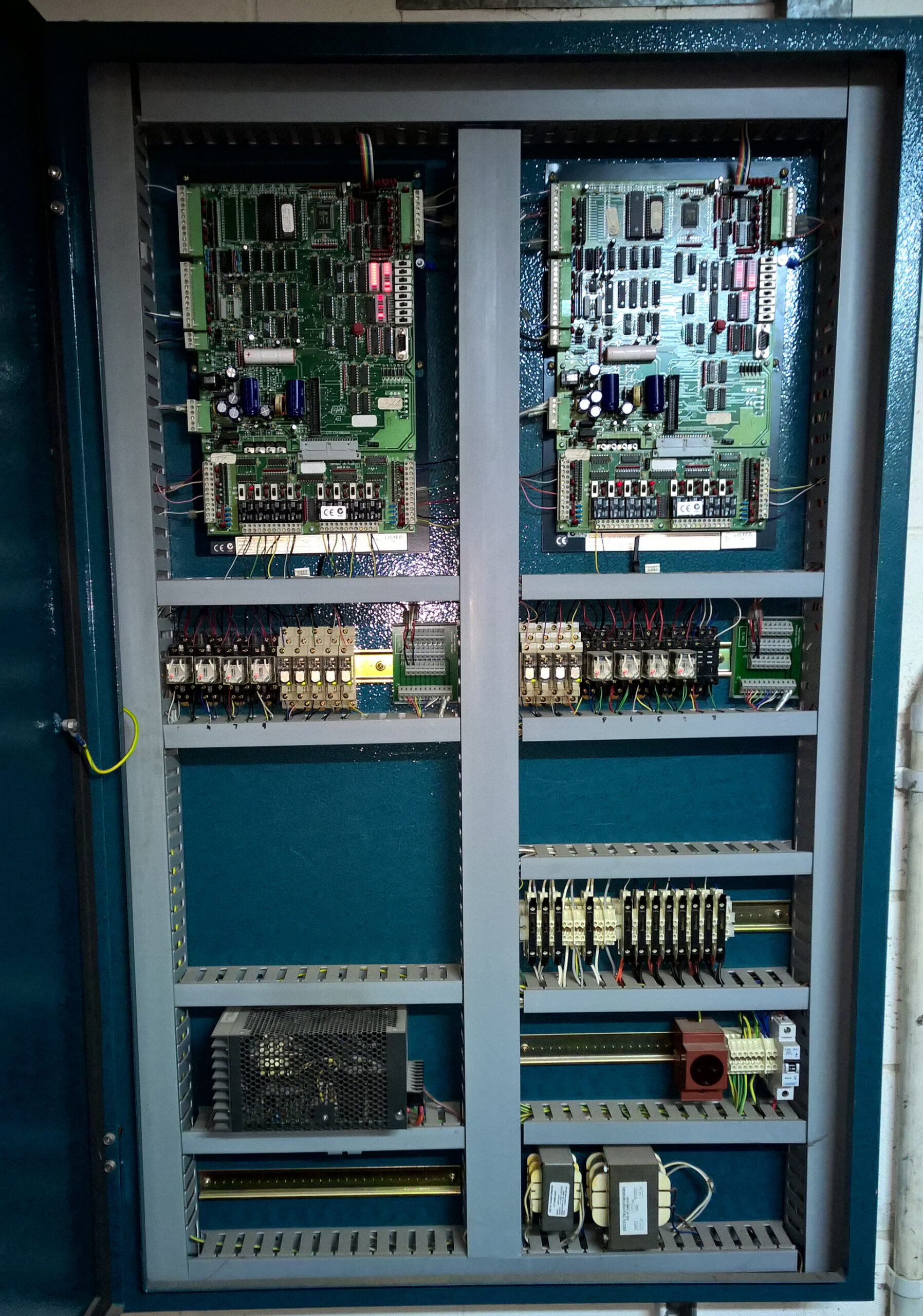
Is It Actually the BMS?
One of the first questions we ask when investigating a Building Management System fault is:
Is the BMS actually causing the problem?
If an air handling unit, pump, fan, boiler or chiller refuses to operate, the BMS may simply be reporting a problem somewhere else.
For example, the actual fault may be:
- a tripped electrical circuit;
- failed contactor or relay;
- variable speed drive fault;
- faulty actuator;
- failed temperature, pressure or CO sensor;
- mechanical plant failure;
- motor protection trip;
- safety interlock;
- damaged field wiring;
- incorrect control voltage;
- communications network failure;
- failed controller;
- programming problem; or
- a control sequence preventing the equipment from operating.
Replacing BMS components without identifying the underlying cause can become expensive very quickly.
Good BMS fault finding starts by determining what the system is being asked to do, what it believes is happening and what is actually happening at the equipment.
Common Signs Your BMS Is Not Working Properly
Some BMS faults are obvious. Others can remain unnoticed for months or even years. Warning signs can include:
Equipment operating continuously
Fans, pumps, heating or cooling equipment may operate outside normal occupancy periods.
This can indicate failed schedules, overrides, incorrect programming, faulty sensors or control loops that are no longer operating correctly.
Heating and cooling occurring at the same time
This is a surprisingly common problem in commercial buildings.
Different systems may fight against each other because of incorrect setpoints, failed sensors, poor control logic or changes made to the building over time.
Frequent tenant temperature complaints
Temperature complaints are not automatically an air-conditioning capacity problem.
Incorrect sensors, control sequences, dampers, valves, VSDs and BMS programming can all affect comfort.
Excessive alarms
A BMS generating hundreds of alarms every day can be almost as ineffective as a BMS generating no alarms.
Operators eventually stop paying attention.
Alarm rationalisation and recommissioning may be required so that important faults can be identified quickly.
Equipment requiring constant manual overrides
Overrides are useful for testing and temporary operation.
They should not become the normal method of operating the building.
Large numbers of permanent overrides often indicate unresolved faults or control problems.
Unexpected increases in energy consumption
A BMS problem may cause plant to operate longer than necessary or make heating and cooling systems work against each other.
The system may still appear operational while energy is being wasted every day.
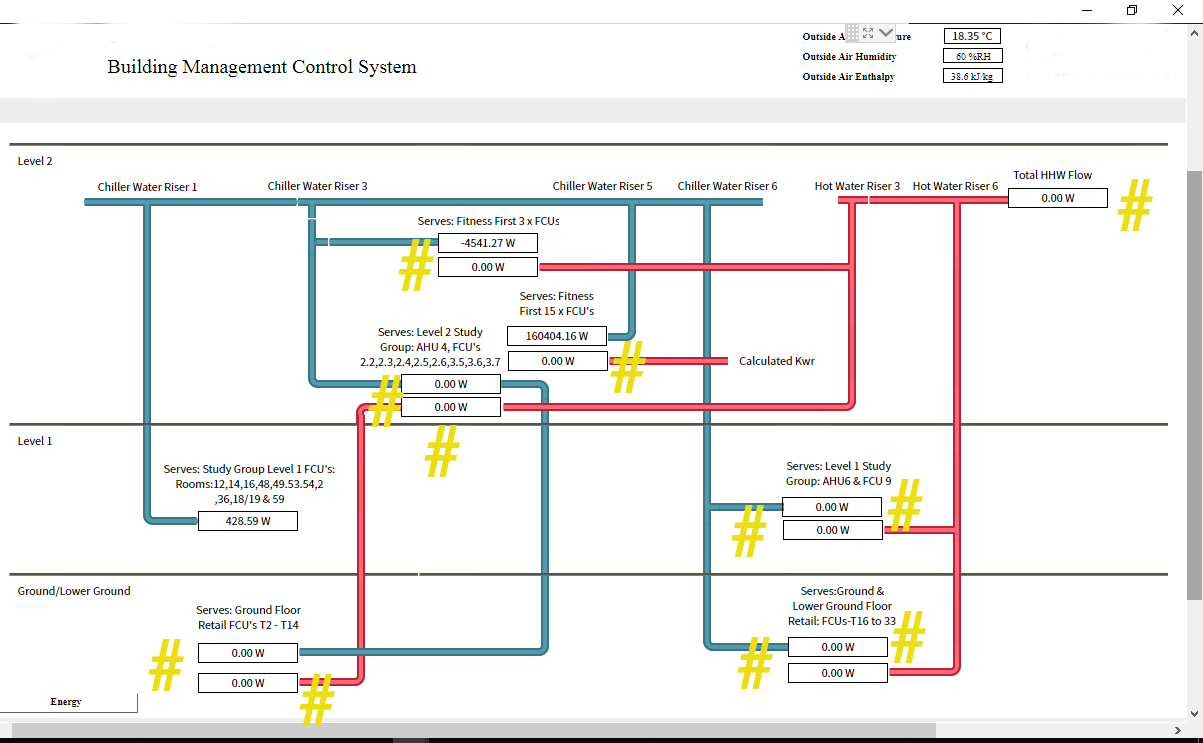
BMS Graphics Not Working or Showing Incorrect Information
The graphics workstation is only the visible layer of a Building Management System. If the graphics stop working, it does not necessarily mean that the underlying controllers have stopped operating.
Many BMS controllers continue controlling equipment independently even when the supervisory computer, server or front-end graphics are unavailable. Problems may involve:
- BMS server failure;
- workstation problems;
- software licensing;
- IP network changes;
- failed network switches;
- incorrect IP addresses;
- controller communication failures;
- database problems;
- damaged communications cabling; or
- obsolete BMS software that is no longer supported.
Conversely, having graphics displayed on the screen does not necessarily mean that the system is working correctly. A graphic is only useful if the information behind it is accurate.
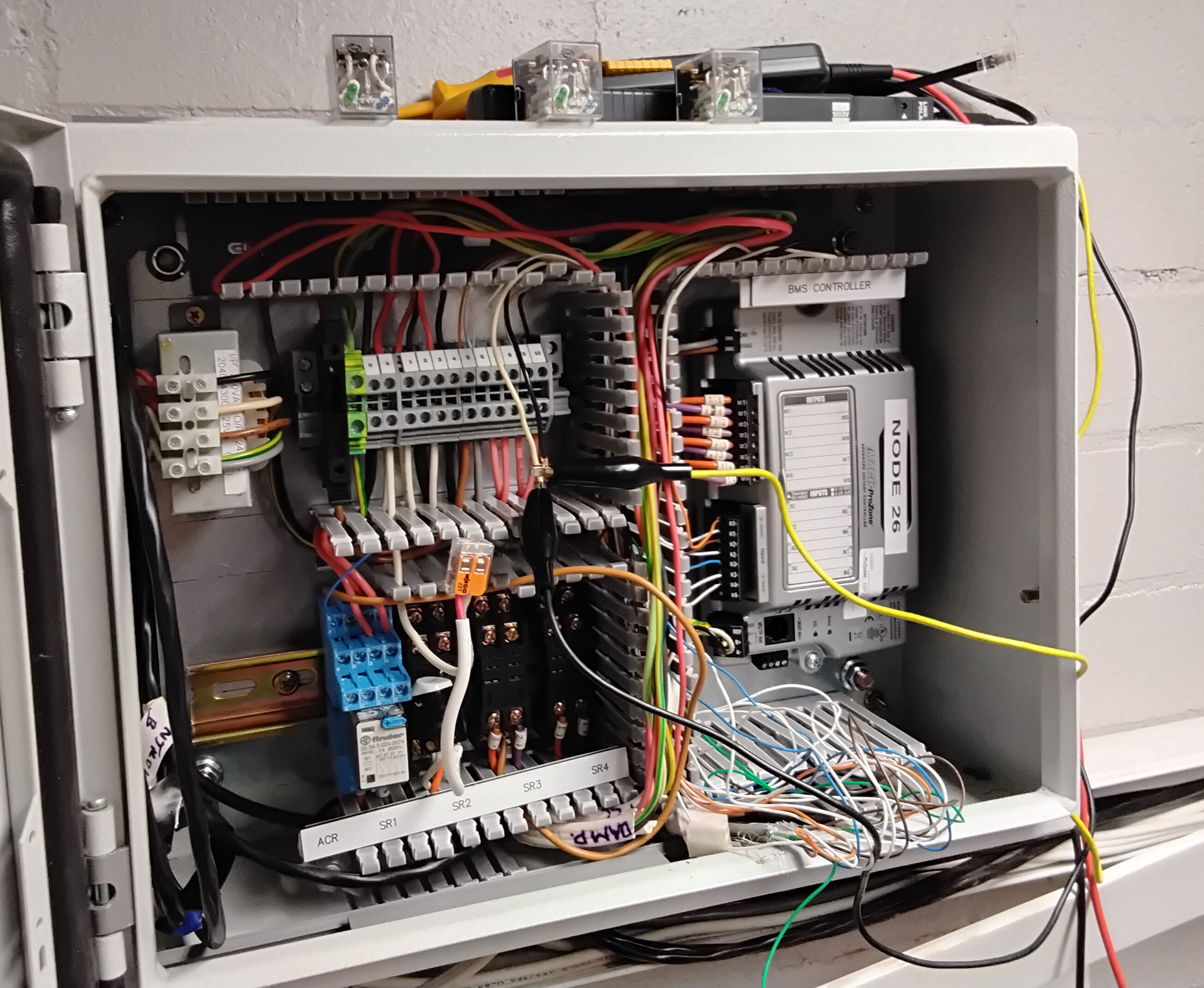
BMS Controllers and Devices Offline
A common BMS fault is equipment appearing offline. This can affect a single controller or an entire section of a building.
Possible causes include:
- loss of controller power;
- failed controller hardware;
- communications cabling faults;
- network configuration changes;
- incorrect device addressing;
- duplicate network addresses;
- BACnet communication problems;
- Modbus communication problems;
- failed network routers or gateways;
- damaged RS-485 networks; or
- changes made by other contractors.
The location of the offline devices can provide valuable clues.
For example, if several devices connected to the same network disappear simultaneously, the problem may be with the network rather than with each individual controller.

BACnet and BMS Communication Problems
Modern Building Management Systems increasingly rely on open communication protocols such as BACnet and Modbus. These allow equipment from different manufacturers to exchange information.
However, an open protocol does not mean that communication problems cannot occur. Issues can include:
- incorrect BACnet device instances;
- IP addressing problems;
- duplicate addresses;
- BACnet MS/TP network faults;
- incorrect baud rates;
- RS-485 polarity problems;
- missing network termination;
- failed gateways;
- overloaded communications networks;
- incorrect Modbus addresses;
- mismatched communication settings; and
- changes made to the building’s IT infrastructure.
Communication problems can be intermittent, which can make them particularly difficult to identify. A device may operate normally most of the day and then regularly drop offline. This often requires investigation at both the BMS and physical network level.
HVAC Equipment Not Responding to the BMS
A common call we receive is:
“The BMS says the air conditioning is on, but nothing is happening.”
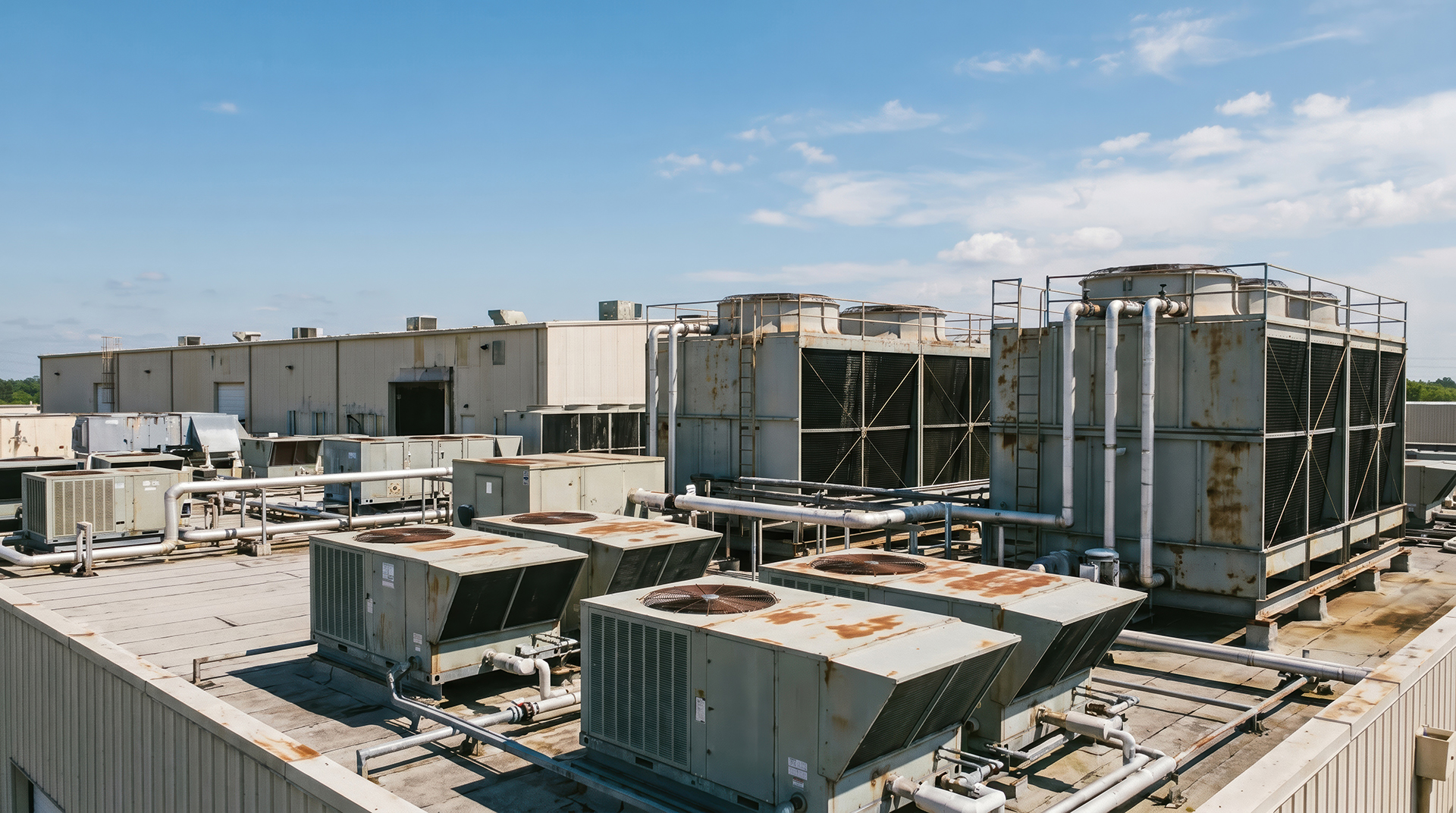
The BMS may have issued the correct command but the equipment may not have responded. For example, the BMS may command a supply-air fan to start, while the fan remains stopped because of:
- a VSD fault;
- electrical supply failure;
- motor protection trip;
- fire-system interlock;
- safety shutdown;
- failed relay;
- damaged wiring; or
- mechanical equipment failure.
Alternatively, the equipment may actually be running but the BMS does not receive the correct run-status signal. The graphic therefore reports that the equipment is stopped when it is actually operating. This is why testing should extend beyond the computer screen.
The command, physical equipment operation and feedback signal all need to agree.
Sensors Giving Incorrect Readings
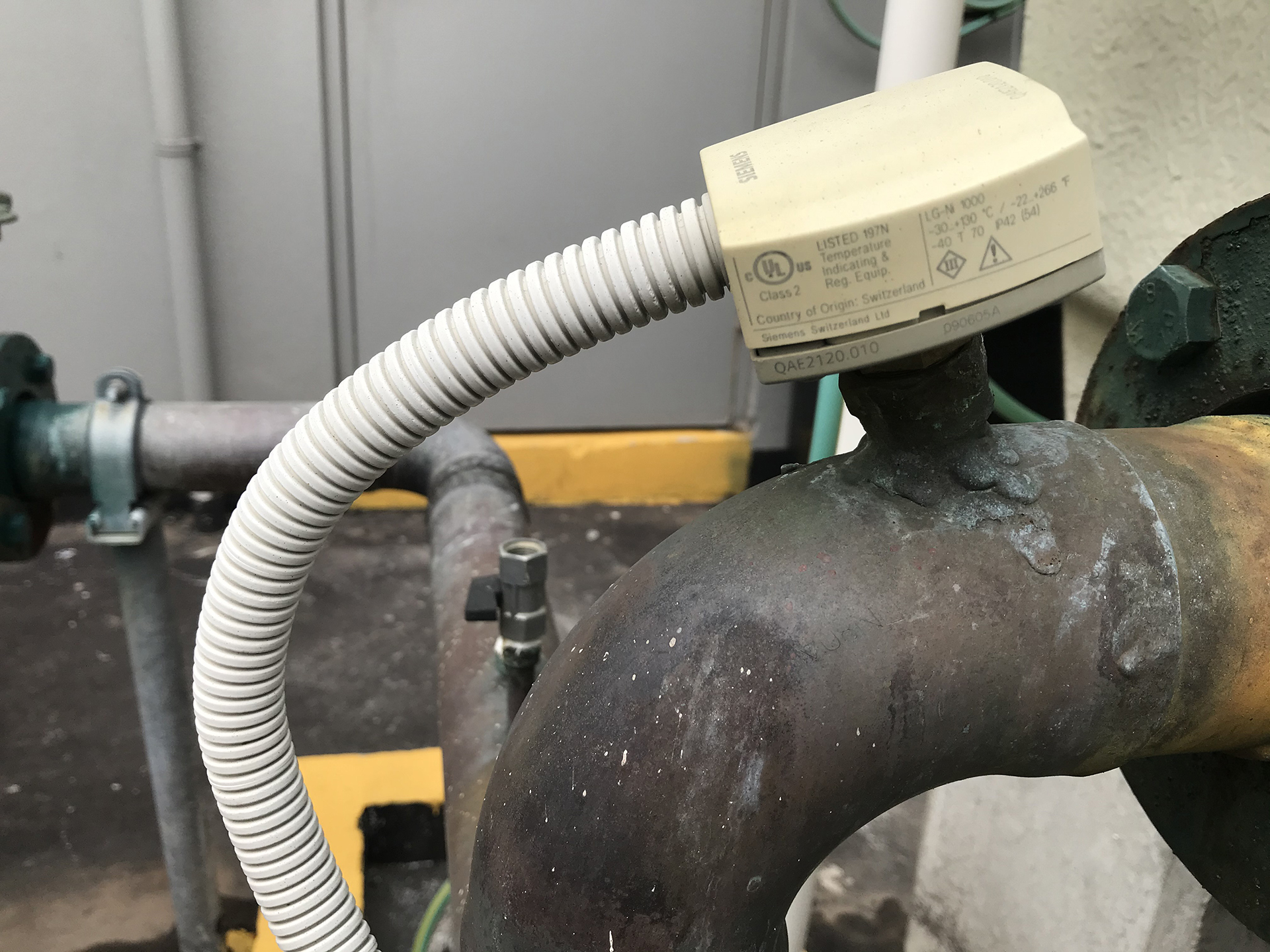
The BMS relies heavily on sensors.
If the information going into the system is wrong, even perfectly written control software can make poor decisions. Typical sensors include:
- temperature sensors;
- humidity sensors;
- pressure sensors;
- differential-pressure sensors;
- carbon dioxide sensors;
- carbon monoxide sensors;
- water-temperature sensors;
- electrical meters;
- flow sensors; and
- occupancy sensors.
Sensors can drift over time or fail completely. An apparently reasonable reading may still be wrong.
For example, a room temperature sensor reading 21°C may appear believable. If the actual room temperature is 25°C, however, the BMS will control the air conditioning based on incorrect information.
Sensor verification and calibration are therefore important parts of BMS fault finding and recommissioning.

BMS Alarms Not Working
A Building Management System should help operators identify problems before they become major failures.
That depends heavily on appropriate alarms.
Common problems include:
- alarms that were never configured;
- alarm limits that are incorrect;
- alarms disabled during previous works;
- excessive nuisance alarms;
- alarm delays that are inappropriate;
- faults shown graphically but not alarmed;
- alarms not being forwarded to responsible personnel; and
- old alarms that remain permanently active.
An alarm system should identify meaningful abnormal conditions and provide operators with enough information to respond.
A screen full of permanent alarms does not achieve this.

BMS Schedules and Time Clocks Not Working
- Building operating hours change.
- Tenants change.
- Plant is added.
- Areas are refurbished.
- Public holidays occur.
- Temporary overrides are entered.
Over time, BMS schedules can become disconnected from the way the building is actually occupied.
We regularly find equipment operating overnight, on weekends or during public holidays without a clear operational reason. Problems may include:
- incorrect operating schedules;
- permanent overrides;
- holiday schedules not configured;
- controllers with incorrect time settings;
- seasonal programs that no longer apply; or
- plant added to the building without proper integration into the existing scheduling strategy.
Reviewing schedules is one of the simplest places to look when investigating unexplained energy use.

Intermittent BMS Faults
Intermittent problems can be some of the hardest BMS faults to diagnose.
The system works when the technician arrives and fails again several hours later.
Possible causes include:
- unstable communications;
- loose wiring;
- failing power supplies;
- deteriorating controllers;
- network congestion;
- electrical interference;
- temperature-related equipment failures;
- intermittent field devices; or
- software and integration problems.
Historical trend data can be extremely useful in these situations.
Rather than waiting for the problem to occur during a site visit, trends allow the behaviour of equipment and control points to be reviewed over time.

When the BMS Looks Like It Is Working – But Isn’t
Perhaps the most important BMS problems are the ones nobody notices.
- The graphics are available.
- There are no obvious alarms.
- Equipment appears to be operating.
- Yet the building may still be performing poorly.
Examples include:
- heating and cooling operating simultaneously;
- control valves that do not close fully;
- failed dampers;
- sensors that have drifted;
- plant staging incorrectly;
- equipment operating outside occupancy periods;
- excessive static pressure;
- pumps operating at unnecessarily high speed;
- outside-air strategies no longer functioning;
- failed economy cycles;
- incorrect temperature setpoints; or
- control sequences that no longer suit the building.
These problems may not cause the BMS to crash. Instead, they quietly increase energy consumption, equipment operating hours and maintenance costs. This is where BMS recommissioning and optimisation can become valuable.
What Happens When an Old BMS Starts Failing?
Building Management Systems can remain in service for many years.
During that time, components become obsolete, manufacturers change product ranges, computers are replaced, operating systems change and technicians familiar with older systems become harder to find.
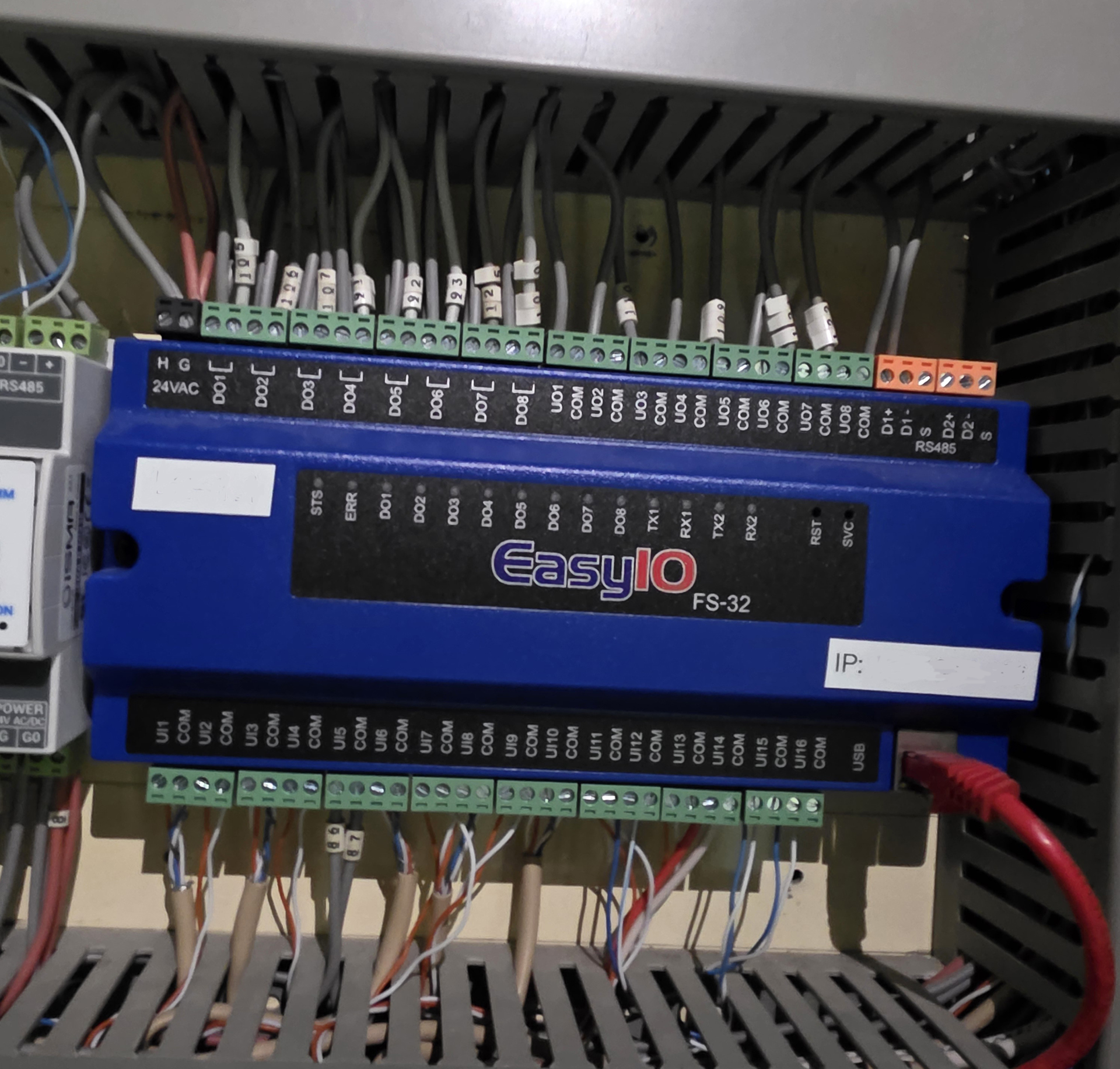
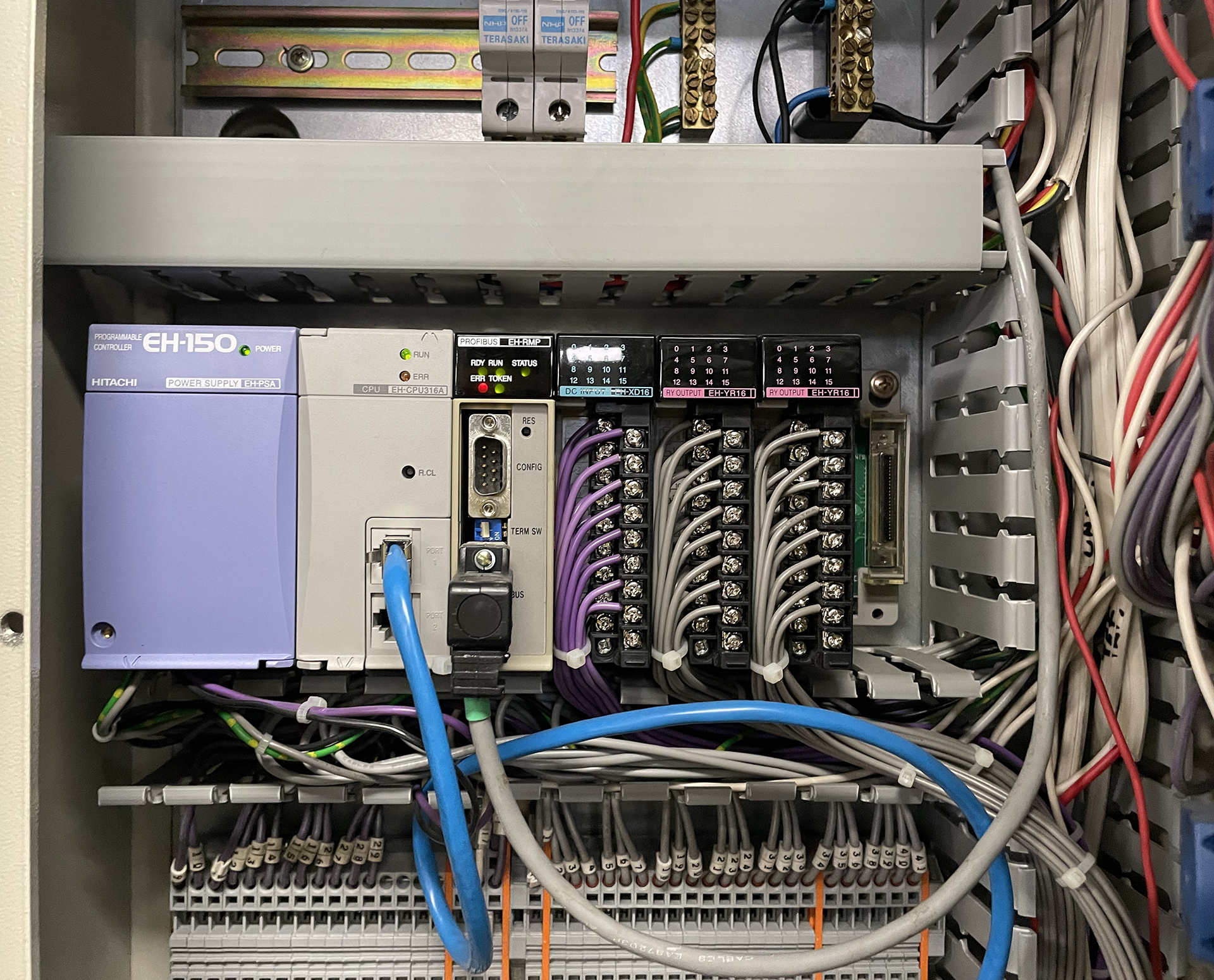
An ageing BMS may suffer from:
- unreliable controllers;
- failing communications;
- obsolete software;
- unavailable replacement components;
- unsupported operating systems;
- proprietary programming tools;
- incomplete documentation; and
- modifications made over many years by different contractors.
Importantly, an old BMS does not automatically need complete replacement. In many buildings, staged upgrades are possible. Existing field devices, controllers or networks may be retained where practical while obsolete parts are progressively replaced. The first step should be understanding what is there and what condition it is in.
What Can You Check Before Calling a BMS Technician?
Facility managers and building managers can perform some basic checks before arranging specialist attendance.
Without opening electrical panels or undertaking work that requires qualified personnel, useful information can include:
- which parts of the building are affected;
- when the problem started;
- whether the problem is permanent or intermittent;
- whether any recent electrical, IT or mechanical work has occurred;
- which equipment appears offline;
- what alarms are currently displayed;
- whether equipment is physically operating;
- whether the problem affects one area or the whole building;
- whether the BMS workstation has network connectivity; and
- screenshots or photographs of relevant alarms.
This information can significantly assist the fault-finding process.
Safety interlocks, electrical panels, mechanical equipment and control panels should only be investigated by appropriately qualified personnel.
How WR8Tech Investigates a BMS Fault
Our approach is to investigate the BMS as part of the complete building system rather than assuming that every problem originates in the controls software. Depending on the fault, our investigation may include:
1. Review the complaint
We first establish what the building is supposed to be doing and what has changed.
2. Review the BMS
We examine graphics, alarms, schedules, trends, controller status and network communications.
3. Check the control logic
Where appropriate, we review the operating sequence and determine why the BMS is making a particular decision.
4. Verify field conditions
We compare what the BMS reports against what is physically happening at the equipment.
5. Investigate electrical and mechanical interfaces
Where required, we investigate control wiring, relays, VSDs, actuators, sensors and other interfaces between the BMS and building plant.
6. Identify the underlying cause
The objective is to identify the fault rather than simply replace components until the system begins working again..
7. Recommend the appropriate response
Depending on what we find, this may involve repair, programming changes, recommissioning, network repairs, replacement of obsolete equipment or a staged BMS upgrade.
Repair, Recommission or Upgrade?
A BMS that is not working properly does not necessarily need replacing.
There are generally three possible approaches.
Repair
Where the problem is isolated, repairing a controller, sensor, actuator, communications network or field interface may be sufficient.
Recommission
Where the components remain serviceable but the building is no longer operating properly, recommissioning can restore control sequences, schedules, alarms, sensors and plant operation.
Upgrade
Where critical components are obsolete, unreliable or unsupported, upgrading part or all of the BMS may be appropriate.
A staged upgrade can often reduce disruption and capital cost while allowing useful existing equipment to remain in service. The right answer depends on the building.
Independent BMS Fault Finding
WR8Tech works across multiple Building Management System technologies and communication protocols. Our focus is not simply on selling a particular brand of controller.
We investigate how the existing system operates, how it interfaces with the building plant and what is required to restore reliable operation. This can be particularly valuable in buildings containing:
- several generations of BMS technology;
- multiple controller manufacturers;
- BACnet and Modbus equipment;
- legacy proprietary systems;
- third-party HVAC integrations;
- electrical metering;
- variable speed drives;
- fire-system interfaces; and
- equipment installed during different refurbishments.
The solution may be a programming change.
It may be a failed sensor.
It may be a communications problem.
It may be electrical.
It may be mechanical.
Or it may genuinely be time to start replacing part of the BMS.
The important thing is to find out which.
Frequently Asked Questions (FAQs)
There are many possible causes, including controller failure, communication faults, failed sensors, electrical problems, programming errors, network changes or faults in the equipment being controlled. The BMS itself is only one part of the control chain.
Yes, our Service offers integrations with various popular products and services to streamline your workflow. We currently integrate with Product A, Product B, and Product C. You can find more information about our current integrations and how to set them up on our [Integrations Page Link]. We are continuously working on adding more integrations.
Often, yes.
Many BMS controllers operate independently at field level and can continue controlling equipment even if the central workstation or graphics computer is unavailable. The exact behaviour depends on how the system has been designed.
An offline device may have lost power, suffered a controller failure or lost communication with the BMS network.
Network addressing, cabling, gateways and communication settings can also cause devices to appear offline.
The temperature sensor may be faulty, incorrectly calibrated, incorrectly located or communicating an incorrect value. The displayed reading should be compared with an independent temperature measurement.
Not necessarily.
Many ageing BMS installations can be progressively upgraded. A condition assessment can help determine which components can remain and which should be replaced.
BMS recommissioning involves systematically checking how the existing controls operate and correcting problems with sensors, schedules, alarms, sequences, control loops and plant interfaces. It can often improve an existing system without complete replacement.