
Your BMS Vendor Has Disappeared – Now What?
When Your Building Management System Suddenly Has No Support
One day everything seems normal.
The Building Management System is operating, tenants are comfortable, alarms are being received, and the monthly service reports continue to arrive.
Then suddenly the support stops.
Perhaps the BMS contractor has gone into liquidation.
Perhaps they have been acquired by another company.
Perhaps they have changed business direction.
Maybe the engineer who understood the site has left and nobody else knows how the system works.
Whatever the reason, building owners and managers are often left asking the same question:
“What happens now?”
The good news is that in most cases the situation is not nearly as bad as it first appears.
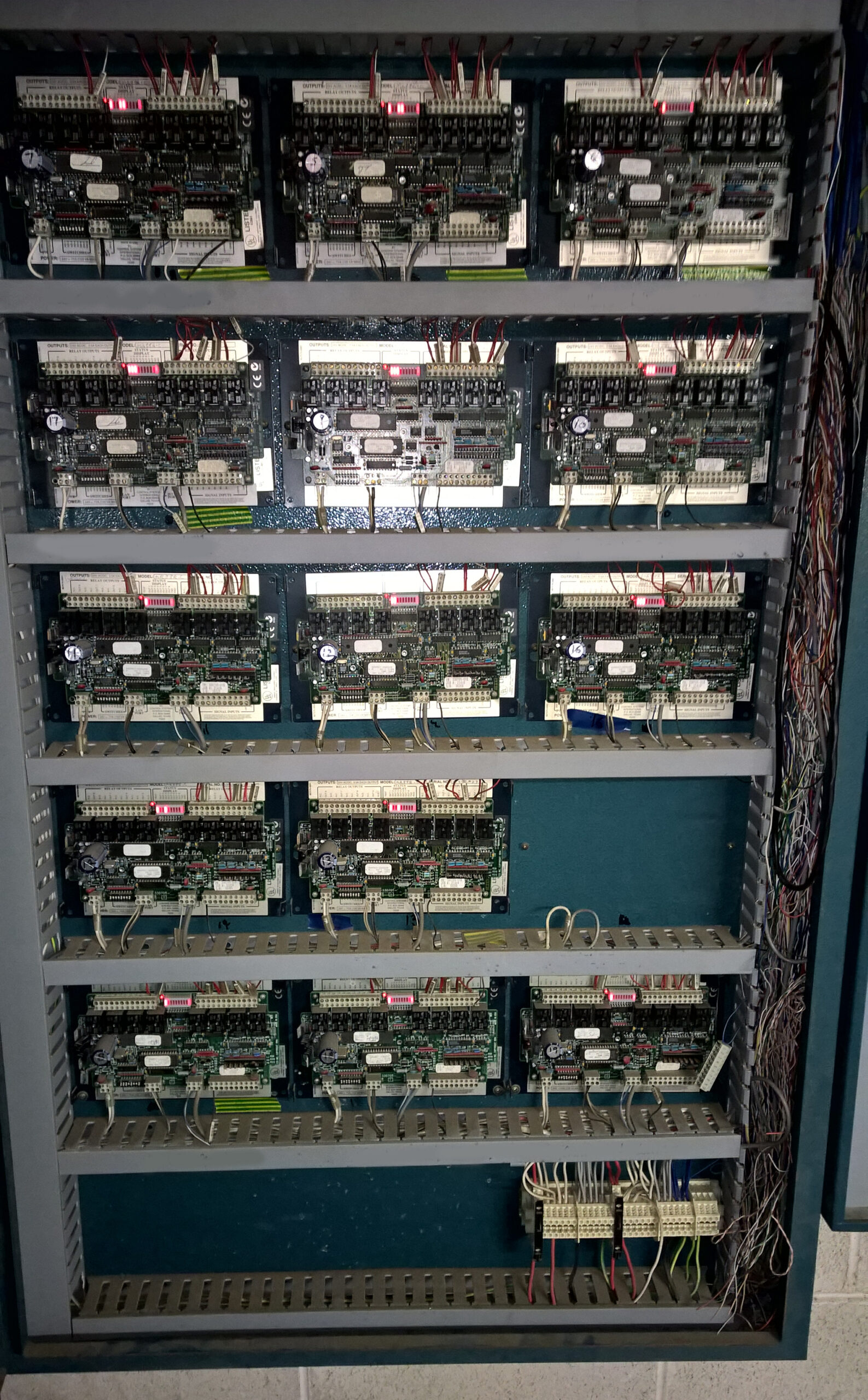
This Situation Is More Common Than You Think
Many commercial buildings contain Building Management Systems that were installed 10, 15, 20 or even 30 years ago.
Over that time:
- Contractors merge or are acquired.
- Manufacturers discontinue products.
- Engineers retire.
- Software becomes obsolete.
- Business priorities change.
Eventually a building owner discovers they are effectively unsupported.
Unfortunately, this often occurs at the worst possible time:
- During a major fault.
- During a tenant complaint.
- During an energy efficiency project.
- During a building acquisition.
- During a technical due diligence review.
The first reaction is often panic.
The second reaction is usually the assumption that the entire system must be replaced.
Fortunately, this is rarely the case.
The First Question: Is The System Actually Broken?
Many older BMS systems continue operating perfectly well.
The issue is not necessarily the technology.
The issue is often the lack of support, documentation, passwords or technical knowledge.
Before considering expensive upgrades, it is worth determining:
- Is the BMS still communicating?
- Are alarms functioning?
- Are schedules operating correctly?
- Are graphics displaying correctly?
- Are controllers healthy?
- Is trend data available?
- Is remote access available?
- Can the system still be engineered?
In many cases the system itself remains perfectly serviceable.
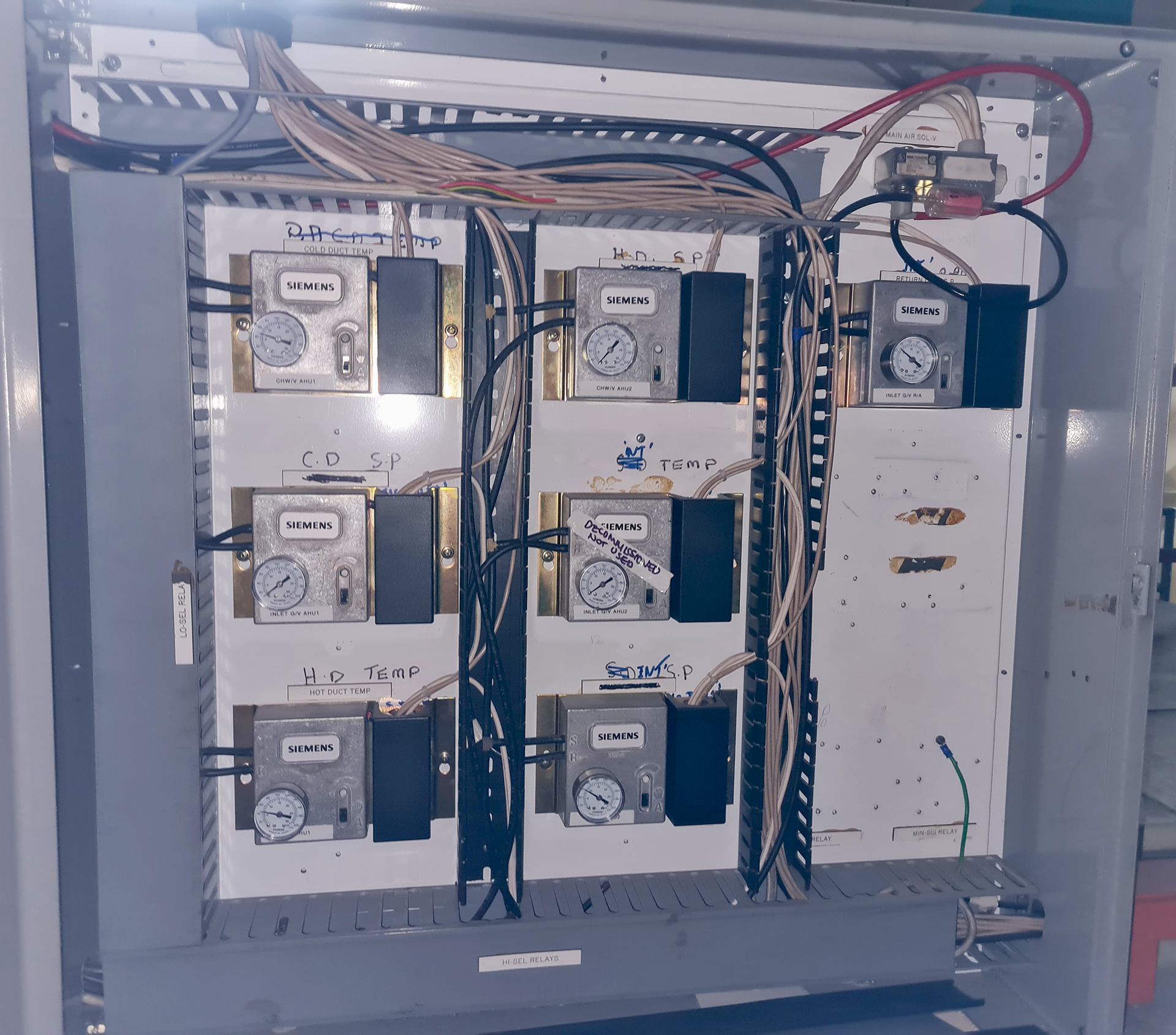
When the Vendor Was the Documentation
One of the most common problems we encounter is that the building owner discovers the vendor was holding far more than just the maintenance contract.
They were also holding the knowledge.
Over the years the BMS contractor accumulated:
- Passwords
- Software backups
- Engineering databases
- Network drawings
- Graphics files
- Programming documentation
- Integration information
- Historical knowledge of the building
The system continued operating because the vendor understood it.
Then the vendor disappears.
The building owner suddenly discovers they have a Building Management System worth hundreds of thousands of dollars, but little or no documentation explaining how it operates.
Unfortunately, this situation is more common than many people realise.
In some cases the building owner does not even possess administrator-level passwords for their own system.
In other cases the engineering workstation has failed and nobody can locate a backup.
The result is that a relatively minor fault becomes far more difficult and expensive to resolve.
One of the first objectives of any vendor transition should be recovering and securing as much information as possible before further knowledge is lost.
The Biggest Risk Is Not The Hardware
Property managers often focus on the hardware.
In reality, the greatest risk is usually information.
Questions we frequently encounter include:
- Where are the passwords?
- Does anyone have a backup?
- Where are the controller databases?
- Are the graphics backed up?
- Does anybody know how the network is configured?
- Which devices are BACnet?
- Which devices are Modbus?
- What equipment is connected?
- Has anyone documented previous modifications?
Without this information, even a relatively simple system can become difficult to maintain.
A building may have hundreds or thousands of points operating correctly, but if nobody understands how they work together, future maintenance becomes increasingly difficult.
Your Building May Not Be As Trapped As You Think
One of the biggest misconceptions in the industry is that when a BMS vendor disappears, the building owner has no option other than replacing the entire system.
In reality, many systems can be supported by alternative contractors or independent specialists.
We regularly encounter:
- BACnet systems
- Trend systems
- Honeywell systems
- Alerton systems
- TAC systems
- Distech systems
- Niagara systems
that continue operating successfully long after the original vendor has disappeared.
Many buildings simply require a thorough audit, recovery of documentation, and a new support strategy.
The key is obtaining an independent assessment before committing to a major capital expenditure.
Replacing a BMS may be the correct answer.
However, it should not be the first answer.
Open Protocol Systems Usually Have Options
One of the advantages of open protocol systems is that support can often be transferred to another vendor.
Protocols such as:
- BACnet
- Modbus
- LonWorks
were specifically developed to reduce dependence on a single supplier.
Provided the building owner has access to the necessary documentation, databases and passwords, another suitably qualified contractor can often assume support responsibilities.
This is one of the reasons WR8Tech strongly supports open systems and vendor-independent solutions wherever practical.
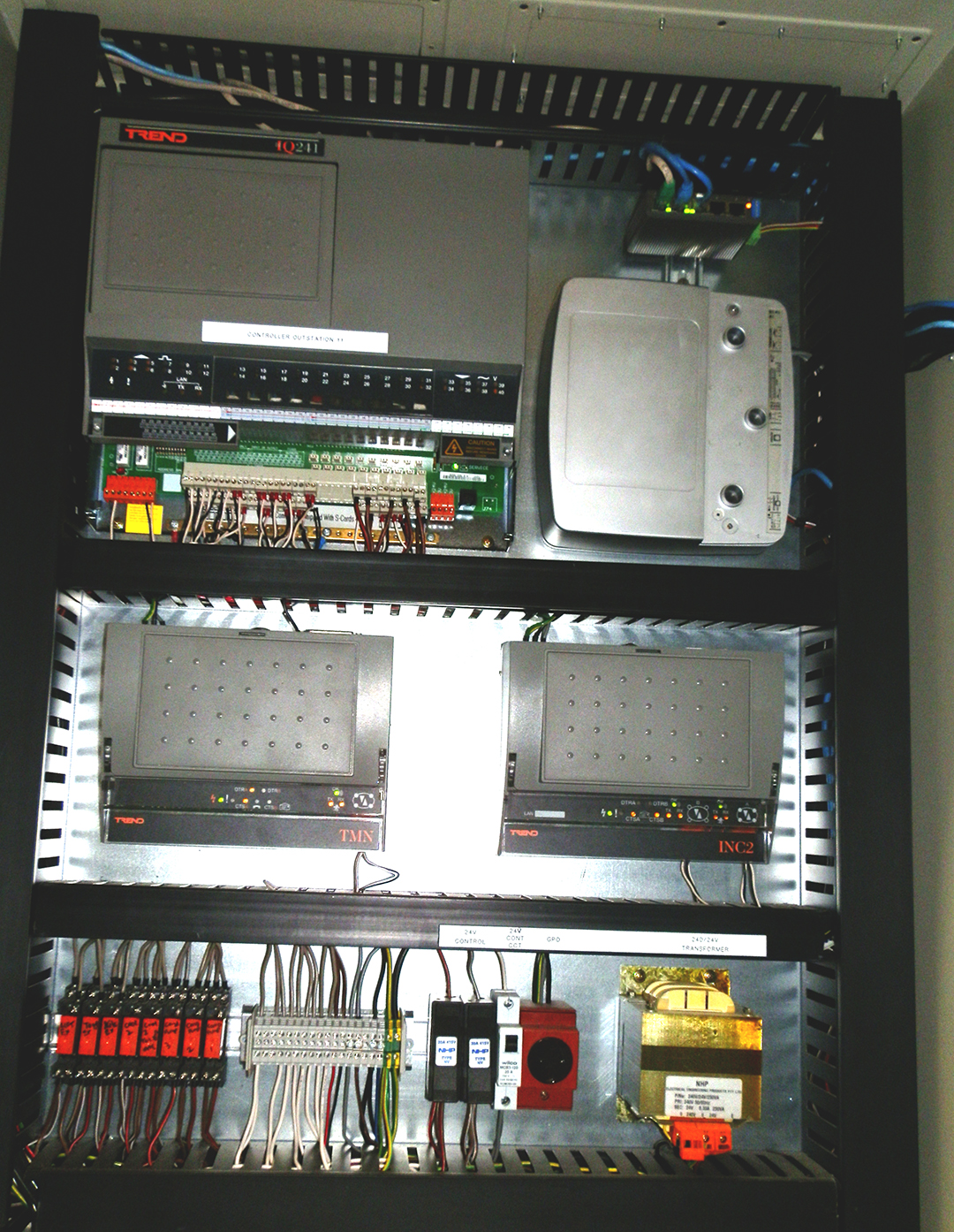
Proprietary Systems Can Still Often Be Saved
Even when a building contains a proprietary BMS, all is not lost.
Over the years we have seen many situations where owners were told:
“The whole system needs replacing.”
After investigation, it turned out that:
- Controllers were still functioning.
- Sensors remained serviceable.
- Existing cabling was suitable.
- Existing networks could be retained.
- Existing field devices could be integrated into newer systems.
In some cases only selected components required upgrading.
A staged migration can often deliver far better value than a complete replacement.
The Hidden Opportunity
Interestingly, the loss of a BMS vendor can create an opportunity.
When an independent specialist reviews a system for the first time, they often discover:
- Failed sensors.
- Incorrect schedules.
- Energy waste.
- Disabled alarms.
- Unused functionality.
- Incorrect setpoints.
- Equipment operating outside design parameters.
Many buildings have been running in the same configuration for years without anybody questioning whether it is still operating efficiently.
A fresh set of eyes can often identify significant improvements.
The First 30 Days After Losing Your Vendor
If your BMS vendor has disappeared, we recommend taking the following steps immediately.
1. Secure All Documentation
Gather:
- Drawings
- O&M Manuals
- Software backups
- Databases
- Controller files
- Network diagrams
- Passwords
- Software licences
2. Create An Asset Register
Document:
- Controllers
- Servers
- Workstations
- Field devices
- Communications networks
- Interfaces and gateways
Understanding what you own is the first step towards managing risk.
3. Assess The Health Of The System
Determine:
- What works.
- What does not.
- What is obsolete.
- What is critical.
- What requires attention.
4. Review Remote Access
Ensure the building owner retains control of:
- User accounts
- Administrator accounts
- VPN access
- Remote engineering access
- Cloud services
5. Develop A Long-Term Strategy
This may involve:
- Continuing with the existing system.
- Improving maintenance practices.
- Upgrading selected components.
- Improving energy monitoring.
- Implementing remote monitoring.
- Planning a staged migration.
The correct solution will differ from building to building.
Most Systems Are Recoverable
One of the biggest misconceptions in the building industry is that an unsupported BMS automatically requires complete replacement.
In reality, many systems can continue operating successfully for years with the right technical support and a clear long-term strategy.
The key is understanding what you have, what condition it is in, and what options are available.
The worst thing a building owner can do is panic.
The best thing a building owner can do is obtain independent advice.
Conclusion
If your BMS vendor has disappeared, don’t assume the system has reached the end of its life.
The majority of commercial buildings contain valuable infrastructure that can often be retained, upgraded, integrated or supported by independent specialists.
Before committing to a major capital expenditure, it is worth obtaining an independent assessment of the system, its condition, its risks and its future potential.
At WR8Tech, we specialise in reviewing existing Building Management Systems, recovering undocumented installations, assessing ageing infrastructure and helping building owners regain control of their technology.
Often the best solution is not replacing the system.
It is understanding it.
Estimated reading time: 7 minutes